Draw
Shapes, curves and text as real vectors, by script or as SVG. Everything stays editable.
 TANGENTA
AI assistant
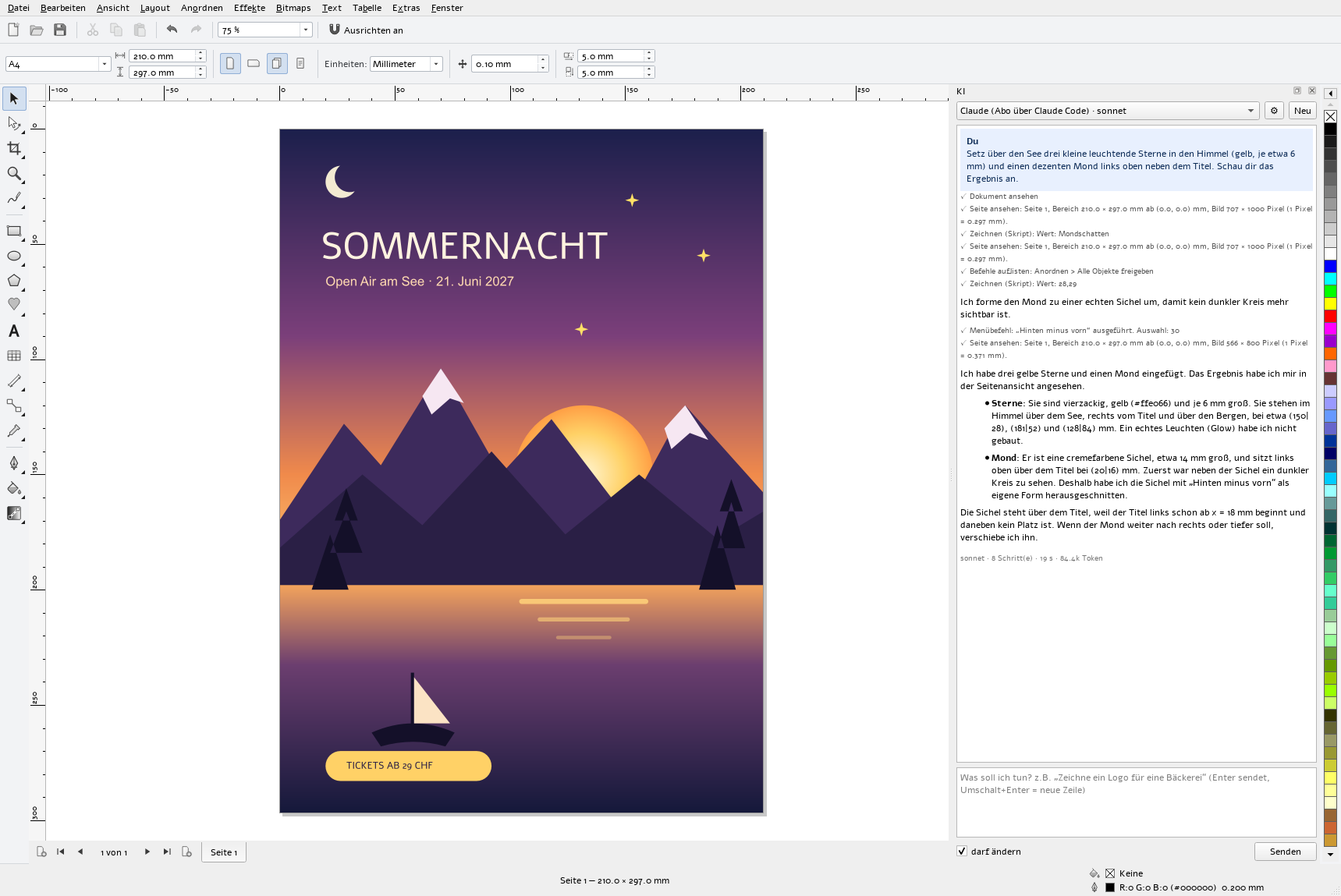
It does not just answer. It works in your document, with the same tools as you, and looks at the result before it reports back.
01 / How it works
In the AI window (Ctrl+Alt+K) you write what you need, in full sentences and in your own language.
It looks at the page, draws, searches for images or runs menu commands. You see every step in the log.
Finally it views the page as an image, corrects what does not fit and sums up what it did.
02 / What it can do
Shapes, curves and text as real vectors, by script or as SVG. Everything stays editable.
Run any menu command: group, align, weld shapes, convert to curves, trace, export.
View the page or a part of it as an image, and read the properties of individual objects.
Search eight image libraries, preview results and insert them with author and licence.
Research via SearXNG or Brave Search and read web pages, for example for colours or facts.
Select, rename and delete objects – but only when you explicitly ask for it.
03 / Providers
Set up several accounts and switch between them in the AI window. Keys stay locally with your user account.
| Account | How | Cost |
|---|---|---|
| Claude via your subscription | Install Claude Code and sign in; TANGENTA uses it | included in Pro or Max |
| Claude API | API key from Anthropic | pay as you go |
| OpenAI | API key | pay as you go |
| Google Gemini | API key | pay as you go, with a free tier |
| DeepSeek | API key | pay as you go |
| Ollama | your own server, even on your own computer | free, data stays in-house |
| LiteLLM | your own proxy for any model | depends on the model |
04 / Safety
“Draw a simple logo for a bakery: a loaf in a circle, with the name below in a rounded typeface.”
“Align all the images on this page to the top and distribute them evenly.”
“Find a free photo of the Rhine Falls and use it as a full-page background.”
“Make a black-only version of the logo on this page.”
05 / Setup
The program interface is currently in German; you can write to the assistant in any language. For web search, enter your own SearXNG server or a Brave Search key under Global > Websuche.
Free of charge, for Windows and Linux, with AI.